How PrimeThink works
A shared workspace for people and agents, on any model, with the context staying yours. Here is the architecture behind it, in plain terms.
From building a Live App in plain English to choosing the AWS region your deployment runs in, this is how the pieces fit together.
Own the context layer. Rent the intelligence.
Most AI tools tie your knowledge to the vendor that sells the model. PrimeThink keeps the two apart. Your memory, workflows and permissions live in a layer you own, and the models are swappable.
What that gives you:
- Live Apps built in plain English: working applications with their own data, no coding required
- Agents that act: they call your APIs and MCP servers, run on a schedule and write results back into the workspace
- Shared workspaces: several people and agents in one conversation, with shared context and history
- Documents that answer back: choose for each document whether it is searched, kept in context or archived
- Any model: more than fifty models from six providers, plus AWS Bedrock and OpenRouter
- Governance: administrators set permissions, models and capabilities, and Enterprise runs single-tenant in the AWS region you choose
People stay in charge. The platform does the repetitive work, and the decisions stay with the team.

The platform in action

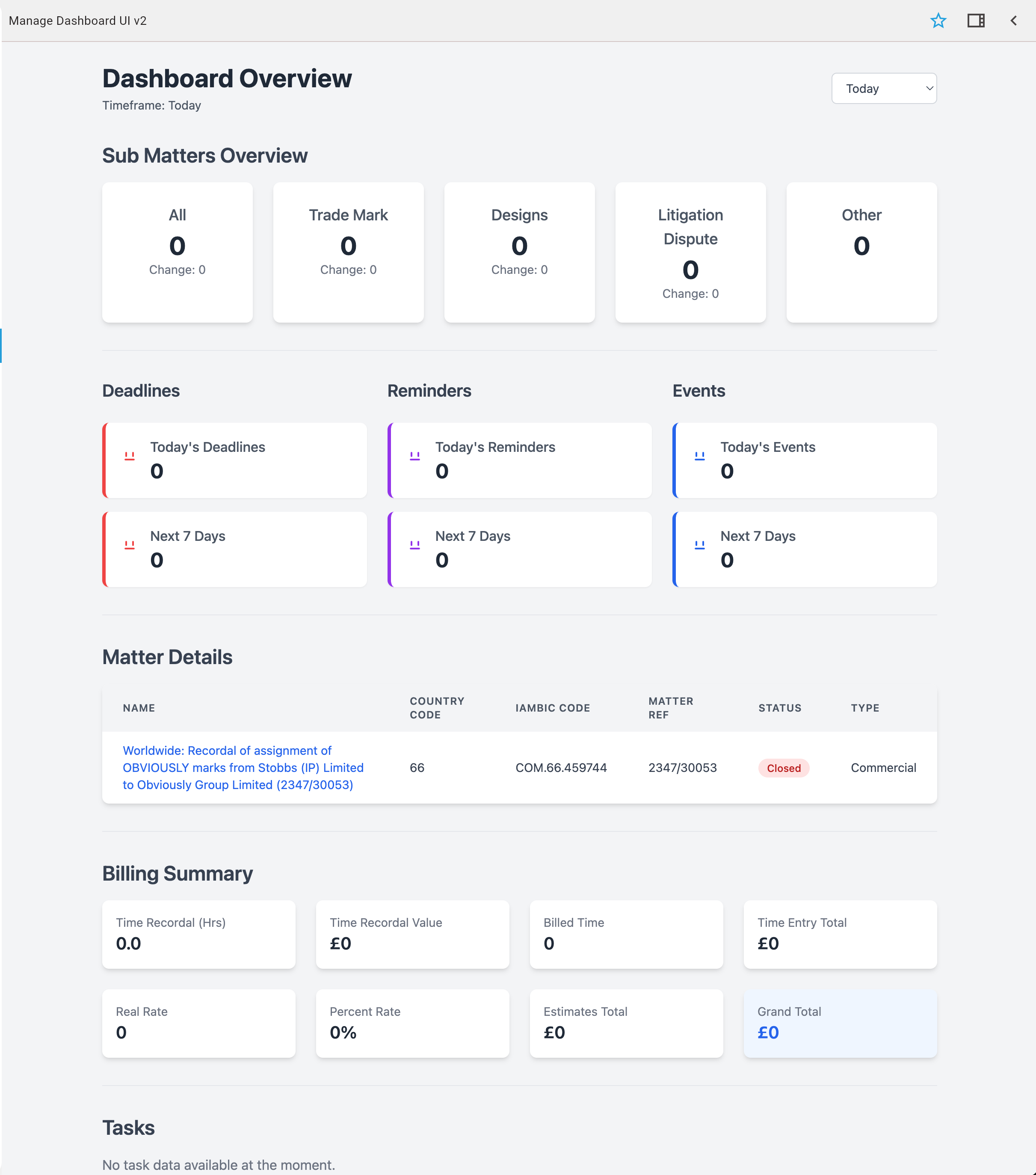
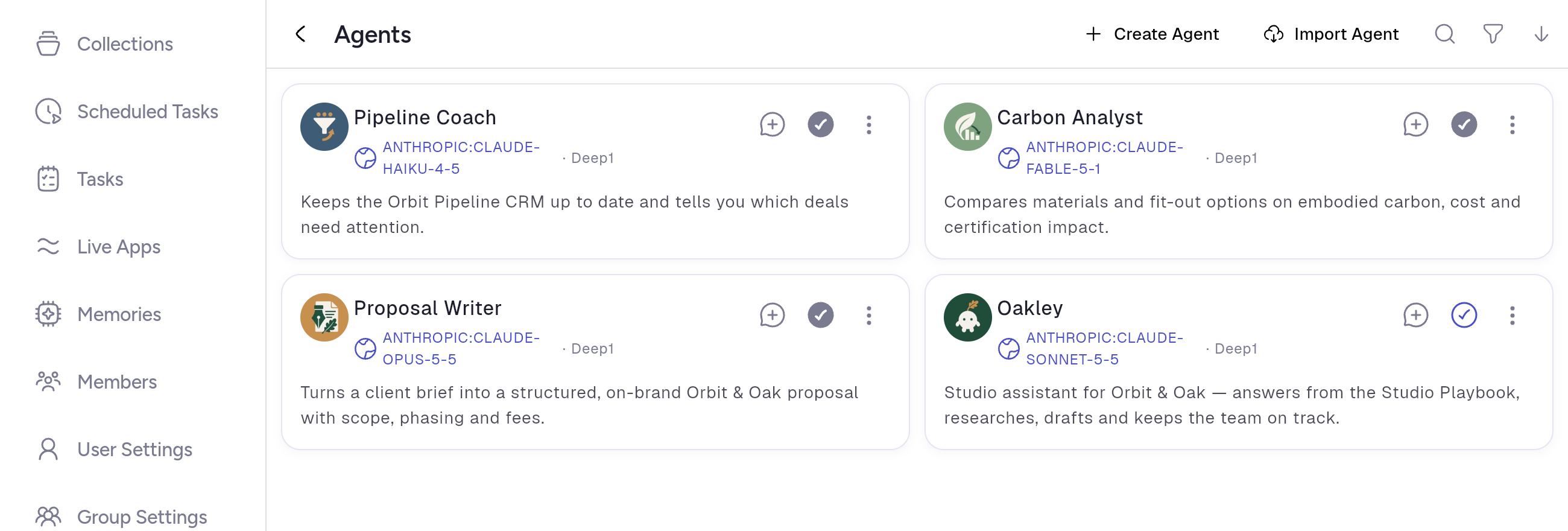

Shared workspaces for people and agents
Several team members work in one conversation with an agent. Each workspace keeps its own context and permissions, so knowledge is shared with the people who should have it.
Agents that act — not just answer
Most AI assistants stop at a reply in a chat window; someone still has to copy the answer somewhere and do the next step. PrimeThink agents complete the task — they write results back into the shared workspace, update records, draft documents, trigger the next step, and hand off to other agents.
Answer-only assistants
- Answer a question → response shown in chat
- A person must manually act on the answer
- No persistent effect on shared data or systems
PrimeThink agents
- Complete a task → result written back into the shared Live App
- Update records, draft documents, trigger the next workflow step
- Other agents or teammates pick up from the updated state
Intake → structured draft
An agent reads incoming submissions, pulls matching data from your connected systems, and populates a shared draft — the team wakes up to a structured first version, not an empty template.
Overnight monitoring → action queue
An agent reviews your systems overnight, surfaces upcoming deadlines and at-risk items, classifies them by urgency, and queues the critical ones for the right owner — autonomously.
Document review → routed exceptions
An agent analyses uploaded documents, flags non-standard clauses or gaps, updates the workspace with its findings, and routes exceptions to the relevant lead for sign-off.
What is in the platform
Live Apps
Describe a tool and get a working application with its own data. Run it in chat, on the Desktop, on its own address or installed as its own app.
Any model, your keys
More than fifty models from six providers, plus AWS Bedrock and OpenRouter. Choose which are allowed, and switch without losing your context.
Documents that answer back
Answers drawn from your documents. Choose for each document whether it is searched, kept in context or archived.
Shared workspaces
People and agents work in the same conversation, with shared context, history and permissions.
Memory that stays
Pages of memory about people, projects and topics. A corrected fact keeps its earlier version as history.
Governance and your region
Role-based access, SSO and SAML on Enterprise, and single-tenant deployment in the AWS region you choose.
Enterprise control, enforced by the platform
Control sits with your administrators, not with individual users. Permissions and model choices are enforced on the server, so they hold for every Live App, agent, and workflow in the workspace.
Bring your own keys
Connect your own OpenAI, Anthropic, Google, or open-source keys per provider — or route through AWS Bedrock. Your models, your keys, your data path.
Allowed models & defaults
Admins choose which models are available and the default model per capability — for example, restrict sensitive work to a specific or self-hosted model.
Enable or disable capabilities
Switch capabilities on or off per workspace, so features you don't want are never available and never consume budget.
Role-based access control
Granular permissions define who can view, create, or edit apps, data sources, and workflows — private, group, or workspace-wide.
Single-tenant, in your region
On Enterprise, PrimeThink runs single-tenant in the AWS region you choose, for example the US, the UK or the EU. Route inference through AWS Bedrock in your chosen geography, or keep an all-European model path with Mistral.
Full audit trail
Interactions can be logged and audited, and every workflow runs only with the permissions your administrators set.
SSO and SAML
Enterprise sign-in through your identity provider, including Microsoft Entra ID, Okta and Google Workspace, via Kinde.
See it on your own workflow
Bring one workflow to a free Build With You session. We build a working Live App around it with you, and it is yours to keep.