Everything your team needs to work with AI, together.
Build Live Apps in plain English, let agents do the work, and keep your context in one workspace you own, on any model.

One workspace, built around how teams actually work
PrimeThink brings shared workspaces, agents, memory and Live Apps together, so the work your team does with AI stays with the team, whichever model does it.
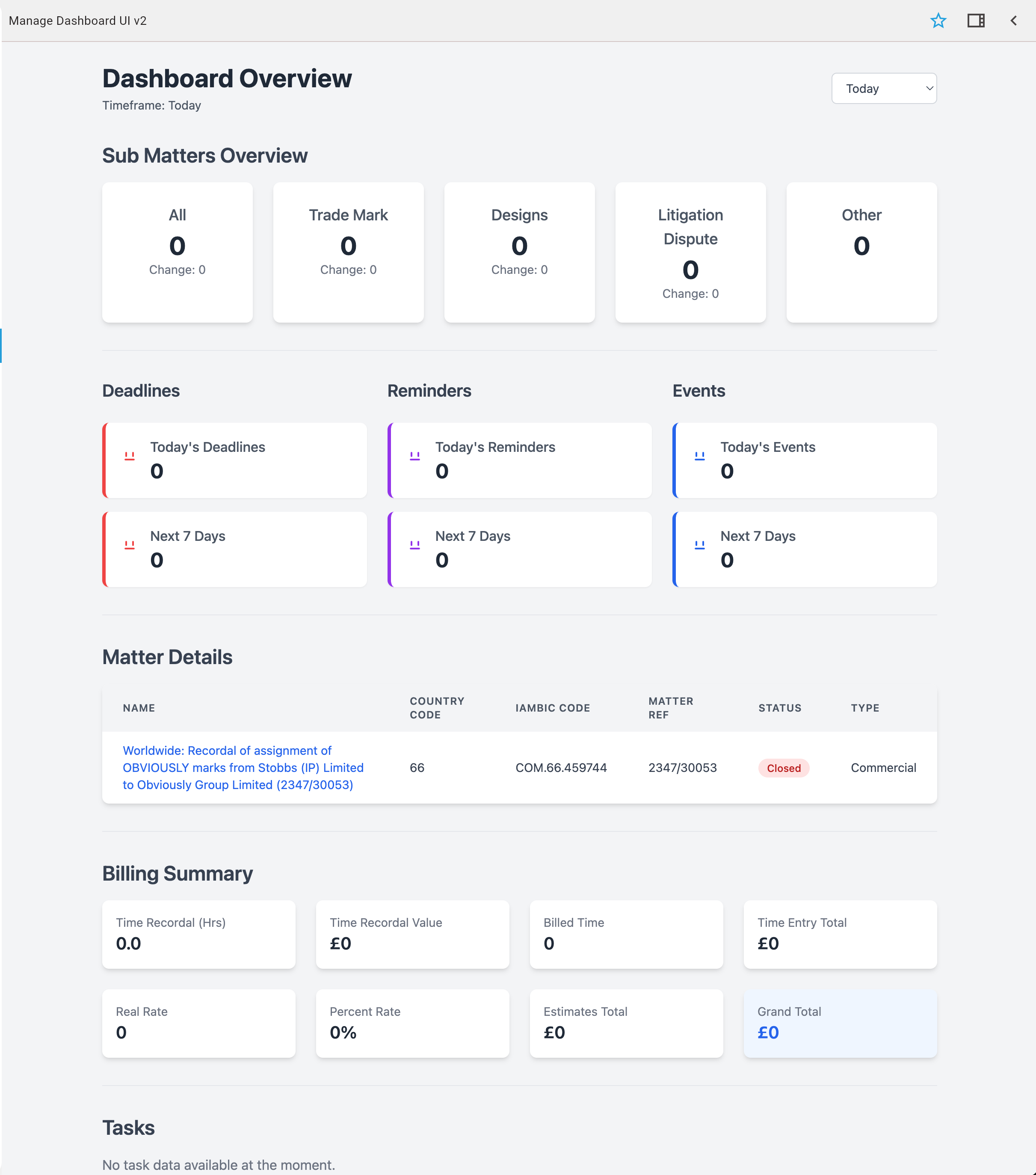
Live Apps built in plain English
Describe the tool you need and PrimeThink builds it as a Live App: a working application with its own data, shared by your team. Refine it by talking to it, or build it yourself with the CLI when you want full control.
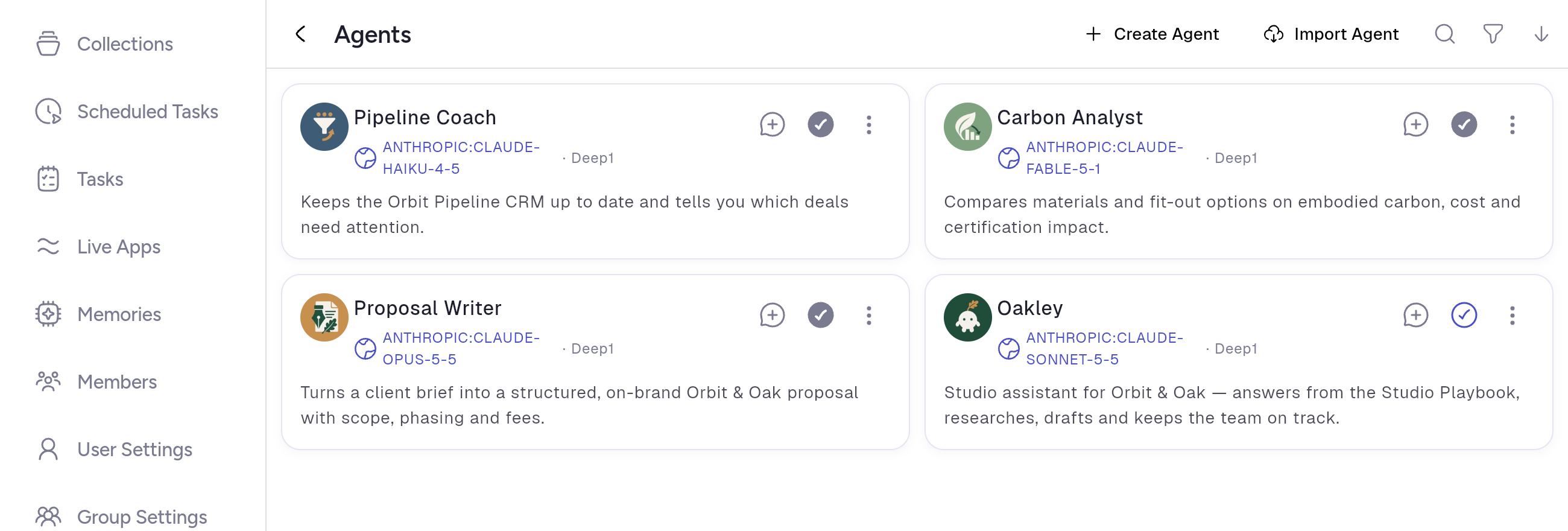
Agents that act, not just answer
Agents call your APIs and MCP servers, run on a schedule, and write the result back into the workspace, so the next person picks up from the updated state.

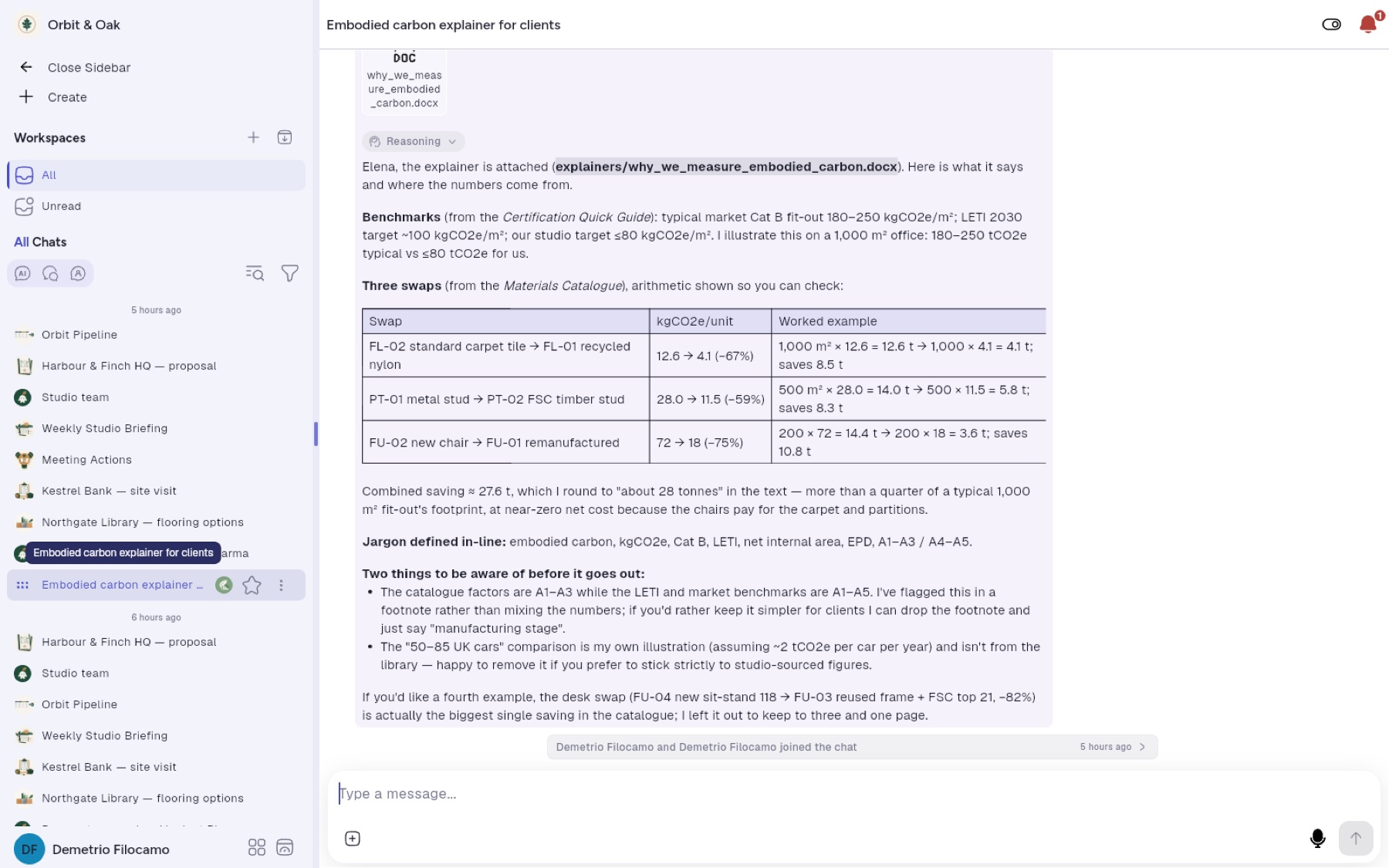
Shared workspaces for people and agents
Several people and an agent work in the same conversation, with shared context and history. Mention the agent in the thread and it answers with owners, dates and open gaps.

Documents that answer back
Upload documents and get answers drawn from them, with the working shown. Choose for each document whether it is searched, kept in context or archived. PDFs, spreadsheets, presentations, images, audio and video are supported.
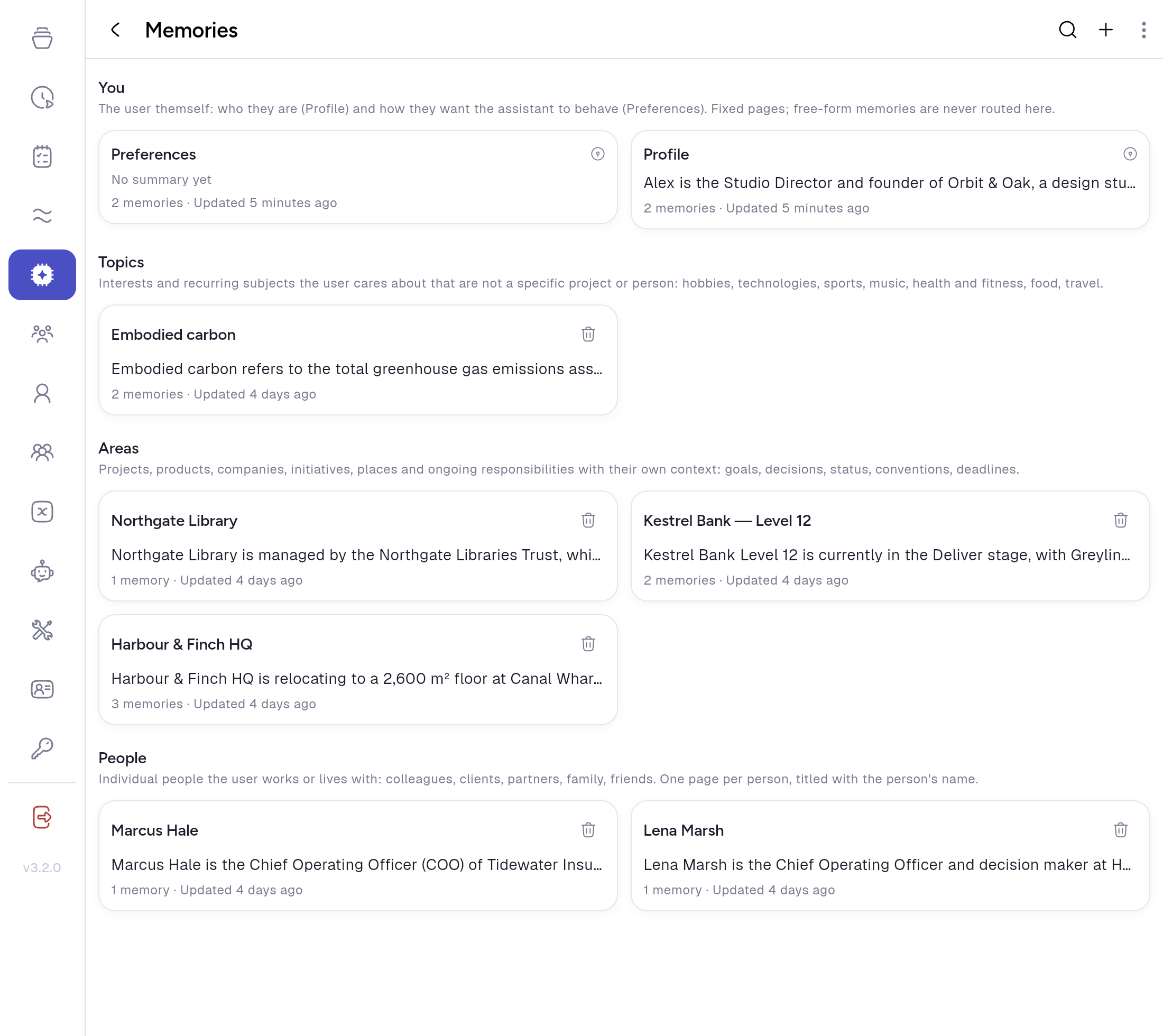
Memory that stays
Memory is organised into pages about you, your people, your projects and your topics. Correcting a fact keeps the earlier version as history, and asking the assistant to forget removes it completely.
Any model, your keys
More than fifty models from six providers, plus AWS Bedrock and OpenRouter. Use your own keys, choose which models are allowed, and switch models without losing your context.
Live Apps on the Desktop, and beyond
Open your apps from the PrimeThink Desktop. Run any single app on its own address and install it as its own app, or share a public chat with a QR code.

Governance, and a region of your choice
Group isolation, role-based access, SSO and SAML on Enterprise, and single-tenant deployment in the AWS region you choose.

See it on your own workflow
Bring one workflow to a free Build With You session. We build a working Live App around it with you, and it is yours to keep.